⚡ Year End Special Deals on Xeno Digital Locks | Limited Stocks – Shop Now! | 🔒 Save $50 on Xeno X Gate Lock – Code X50 |
🚪 Save $15 on Door Bottom Seal – Code SEAL15 |
🛡️ Save $50 on Alexi Pro Lock – Code PRO50| FREE Installation + Delivery Included in Every Xeno Year End Super Deal |
⚡ JULY LAUNDRY DEALS LIVE — Save $50 on Essential– Code XENO50 | Save $100 on Platinum– Code XENO100

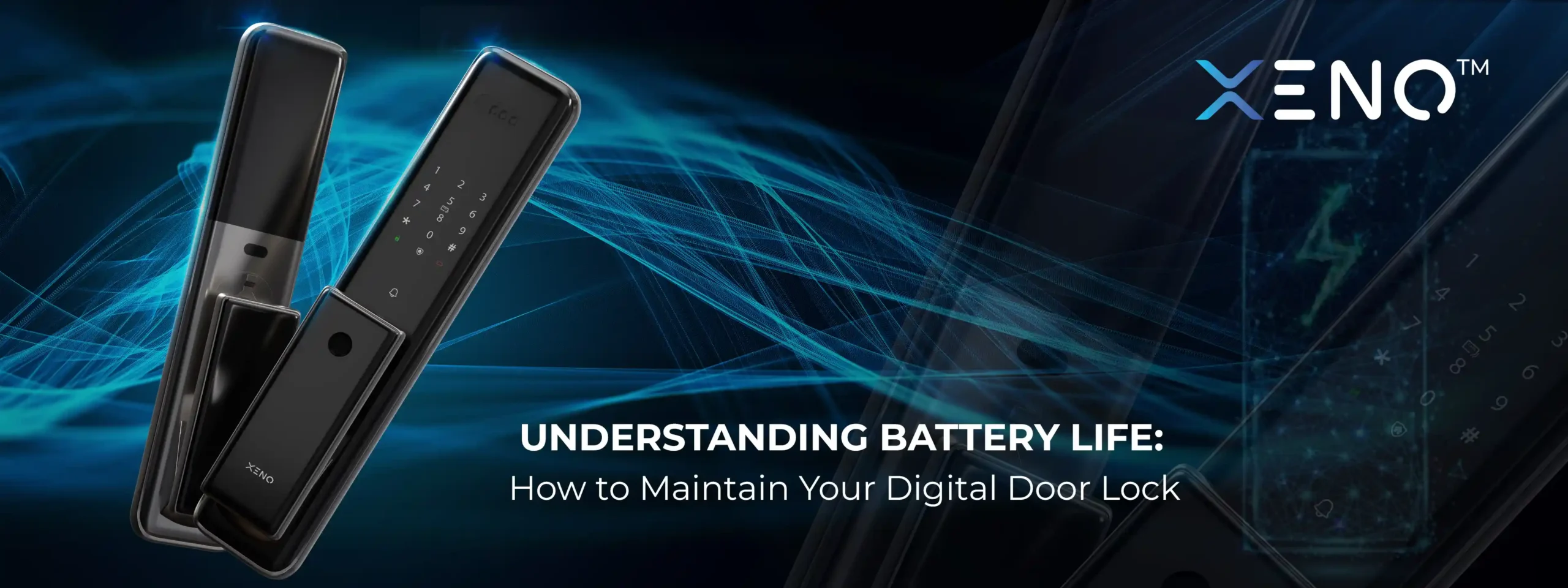
How Long Do Digital Lock Batteries Last? (And How to Make Them Last Longer)

Most digital door lock batteries last 6 to 12 months on a set of fresh AA alkaline batteries or rechargeable Li-ion batteries — but that number drops significantly with Wi-Fi locks, biometric scanning, or heavy household traffic. In this guide, we cover what drains your digital lock battery life fastest, how to tell when it needs replacing, and the best maintenance tips to avoid an unexpected lockout.
Digital door locks offer keyless convenience, better security, and smart access to your home. But one essential aspect that many homeowners overlook is battery life. While most digital locks are designed to be energy efficient, poor maintenance or usage habits can cause the batteries to drain faster than expected.
In this article, we’ll explain how digital lock batteries work, how long they typically last, and what you can do to extend their life and avoid surprises.
How Digital Door Lock Batteries Work
Most digital locks in Singapore, including models like Xeno, use AA alkaline batteries or rechargeable lithium batteries. These power the core features of the lock, such as:
- Fingerprint or face recognition
- Touchpad or PIN code entry
- Smart features (Wi-Fi or Bluetooth)
- Locking/unlocking mechanism
- LED lights or digital display
- Notification sounds or alarms
Depending on usage and features, batteries typically last 6 months to 1 year. However, this can vary depending on the lock model, brand, usage frequency, and power settings.
For Xeno lock owners, the Xeno 5000mAh rechargeable Li-ion battery eliminates the need for AA replacements entirely — it charges via USB-C and is designed specifically for the Alexi Pro and Alexi Pro Max.
Average Battery Life by Digital Lock Type
| Lock Type | Average Battery Life |
| Basic keypad digital lock | 10–12 months |
| Fingerprint smart lock | 8–10 months |
| WiFi smart lock | 4–8 months |
| Face recognition lock | 4–6 months |
| Gate lock + door sync system | 5–8 months |
Why is my digital lock battery draining fast?
- Poor door alignment
- Lock motor overworking
- Weak WiFi signal
- Frequent auto-lock activation
- Cheap batteries
- Old batteries
- Mixed battery brands
- Extreme temperature exposure
- Palm, Face, Fingerprint sensor overuse
- Video camera features
- Incorrect installation
The Xeno Alexi Pro Max, which adds palm vein recognition and a built-in intercom camera, uses a dual-power extended battery system designed to offset the higher power draw of its advanced biometrics.
Factors That Affect Battery Life
Understanding what drains your digital door lock’s battery can help you manage it better:
- High Usage
If your household has many members or if you open the door frequently (e.g., 10–20 times a day), your lock will consume more power.
- Power-Hungry Features
Wi-Fi-enabled locks tend to consume more power than Bluetooth-only models. Face recognition and large LED displays can also reduce battery life faster than basic keypad models.
- Climate Conditions
Singapore’s humidity and high temperatures may affect battery performance over time, especially if the lock is installed on a gate exposed to the sun or rain.
- Low-Quality Batteries
Using cheap or generic batteries can lead to shorter battery life and possible leakage. Always use recommended brands such as Energizer or Duracell for AA batteries.
Don’t Let Battery Issues Leave Your Home Unsecure
Upgrade to a reliable digital door lock with long-lasting battery performance.
How to Know When to Replace the Battery
Most digital locks come with low battery warnings, such as:
- A beeping sound after unlocking
- A flashing light or symbol on the keypad
- Push notifications (if your lock is connected to an app)
It’s important not to ignore these signs. Delaying battery replacement can result in a complete lockout if the battery dies.
How to replace battery in digital door lock ?
- Step 1: Check low battery warning (beep pattern / app alert)
- Step 2: Purchase correct battery type (check your lock’s manual or model page)
- Step 3: Locate battery compartment (usually on interior panel)
- Step 4: Remove all old batteries at the same time
- Step 5: Insert new batteries in correct orientation
- Step 6: Test lock operation before closing panel
Maintenance Tips to Extend Battery Life
Here are simple ways to keep your digital lock powered longer and avoid unexpected issues:
1. Use High-Quality Batteries
Stick with well-known brands and check the expiry date before use. Avoid mixing old and new batteries in the same set.
2. Replace All Batteries at Once
If your lock requires 4 AA batteries, replace all four at the same time. Mixing partially used and new batteries can reduce efficiency and damage the lock.
3. Set Up Battery Reminders
Add a calendar reminder every 6 months to check or replace batteries. This simple habit can prevent emergencies.
4. Keep the Battery Compartment Clean
If you notice rust or corrosion around the battery terminals, clean it gently with a dry cloth before inserting new batteries.
5. Limit Use of High-Drain Features
If your lock has motion sensors, sound alerts, or constant display lights, consider turning them off or lowering the brightness to conserve energy.
6. Monitor via Mobile App
Smart locks often have battery percentage indicators on their mobile apps. Check the app regularly to monitor battery levels without opening the lock panel.
What If the Battery Dies Completely?
Most digital door locks have a backup solution in case of full battery drain:
- Mechanical Key: Always keep the physical override key in a safe but accessible location.
- Emergency Power Port: Many locks have a USB-C or 9V battery terminal where you can temporarily power the lock to gain access and replace the batteries.
- App Notifications: Some locks notify you days or weeks before the battery is fully drained.
Always refer to your lock’s user manual for specific emergency access methods.
Upgrade to a Smart, Battery-Efficient Digital Lock Today
Xeno digital locks are built to handle Singapore’s climate, with longer battery life, stable performance, and intelligent alerts.
FAQ
1. How long do smart lock batteries last?
Most smart lock batteries last between 6 to 12 months, depending on usage frequency, lock features, and battery quality. Smart locks with WiFi connectivity, face recognition, video features, or frequent unlocking activity may consume power faster than standard keypad models. Environmental factors such as Singapore’s humidity and heat can also affect battery performance over time.
2. Will the app alert me before my smart lock battery dies?
Yes, most modern digital door locks provide low-battery warnings before the battery fully drains. Alerts may appear through the mobile app, voice prompts, LED indicators, or warning beeps on the lock itself. It is recommended to replace the batteries immediately once the low-battery notification appears to avoid emergency lockouts.
3. What do I do if my digital door lock battery dies and I’m locked out?
Most digital door locks include emergency backup solutions if the battery dies unexpectedly. Depending on the lock model, you may use:
- Emergency USB-C charging port
- 9V battery emergency power supply
- Mechanical backup key
- Mobile app emergency access
If your lock becomes completely unresponsive, avoid forcing the handle or damaging the lock. Contact a professional digital lock technician for assistance.
4. How often does the battery need replacement?
For most households, digital door lock batteries should be replaced every 6 to 12 months. Homes with higher daily traffic or smart locks using WiFi and facial recognition may require more frequent battery replacement. Replacing batteries early is safer than waiting until the lock becomes unstable or shows delayed responses.
5. Can I use rechargeable batteries in my digital door lock?
Some digital door locks support rechargeable batteries, but many manufacturers still recommend high-quality alkaline or lithium AA batteries for stable voltage performance. Rechargeable batteries may provide lower voltage output, which can affect fingerprint recognition, motor performance, or battery readings on certain smart lock models. Always check the manufacturer’s recommendation before using rechargeable battery for digital lock.